How to submit an event in Liverpool: a clear guide
A practical, reader‑friendly guide explaining how to submit an event in Liverpool for local coverage and listings, with step by step tips and pitfalls to avoid.

If you want your event to appear in local coverage, you should submit it through the proper channel. This guide explains the exact steps to take, what information to include, and how to avoid common errors. By following the process, you can maximise visibility and ensure accurate publishing.
First, prepare essential details like date, time, venue, and a concise description. Next, choose the right submission form or inbox and tailor your entry to local readers. Finally, verify the information before sending to reduce delays and edits.
The aim is to provide a dependable, plain‑spoken resource for readers who seek reliable event listings. This article keeps to practical steps and concrete examples, so you can move quickly from idea to published listing.
- Submit through the correct channel with complete details.
- Provide a clear, concise description and accurate times.
- Check formatting and upload media within guidelines.
- Keep editors informed with timely updates if plans change.
Basics of submitting an event
Where to submit
Start by locating the official submission channel on the site. This could be a dedicated form, an email address, or a community portal. If you cannot find it, check the site’s contact page or the events calendar for guidance. Using the correct channel speeds up processing and reduces back‑and‑forth. You can begin by learning how to submit an event in Liverpool on the official site.
Send the event details to the specified address or form and note any required fields. Typical fields include event name, date and time, venue, and a short description. Some outlets ask for a category or tags to help placement and searchability.
Double‑check the submission deadline and time zone. Local readers expect accurate scheduling, and missing a time zone can cause confusion. If in doubt, include both local and UTC times to be safe.
Required details
Prepare a clear event title and a 2–3 sentence summary. Include date, start and end times, venue, city, and a key contact for queries. A short description helps editors decide if it suits the audience.
Provide location specifics like full venue name and street address where available. If the event is digital, include the platform and access details. Include entry price if applicable, or state free admission if that is the rule.
Add links sparingly and only if they are essential for readers. Editors may remove nonessential links during editing, so prioritize core facts first.
- Event name and venue are explicit.
- Dates are unambiguous and include timezone when relevant.
- A single contact email or phone for follow‑ups.
How to format your submission
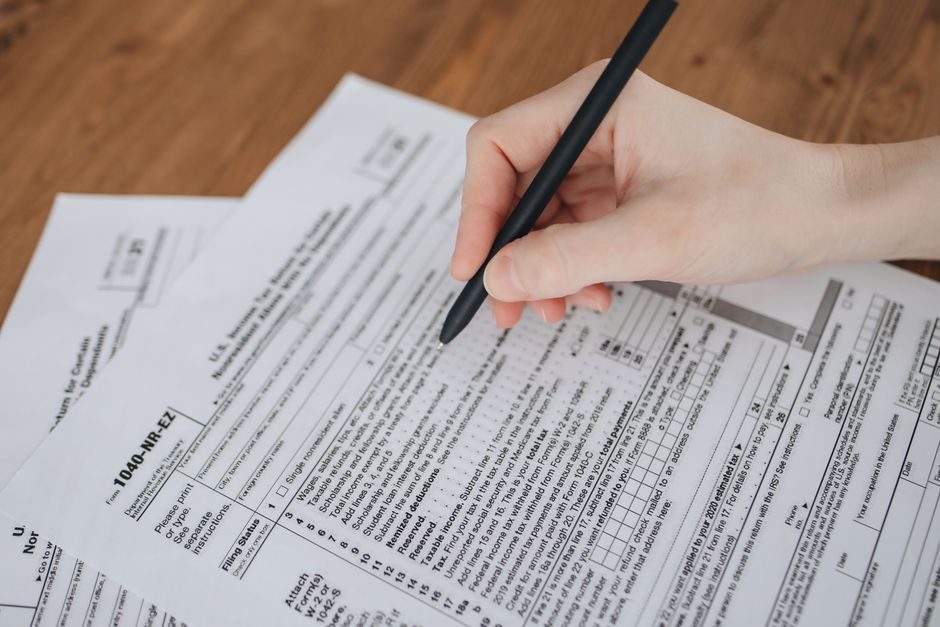
Concise description
Write a two to three sentence overview that captures the event’s purpose and appeal. Avoid promotional language and keep it factual. Editors will trim fluff, so provide substance from the start. For broader coverage, search Liverpool news to see how local events are framed.
- Lead with the who, what, where, when.
- Use bullet points for critical details.
- Proofread for dates and names before sending.
Structure information so it is easy to scan. Use short paragraphs and bullet lists for key details like time, location, and entry conditions. A well‑formatted entry reduces follow‑ups and speeds publication.
Check spelling and dates carefully. A small error can delay posting or mislead readers. Take a moment to proofread before submission.
Attachments and media
Most outlets allow an image or logo to accompany the listing. Use high‑resolution, rights‑clear images to avoid delays. If no image is available, describe the visuals in the copy to help editors imagine the event.
Limit file sizes to the platform’s requirements to prevent upload failures. Name files clearly with the event name and date to avoid confusion. Do not attach unrelated documents that slow editors down.
Avoid embedded formatting that may not render correctly in all feeds. Plain text with a caption is often enough for a clean listing.
Options for different event types
Public community events
Community events benefit from clear, inclusive language that explains who should attend. Include accessibility notes and any RSVP requirements. Local outlets value practical details for readers deciding to participate. If your listing appears, it should be included in the business directory in Liverpool alongside other local listings.
Describe the audience and any free or low‑cost options. If the event is part of a festival, note the overall schedule and key access points. Editors may link to a calendar page for the full rundown.
Provide a contact for media queries in case of last‑minute changes. Timely updates help avoid confusion if plans shift due to weather or venue issues.
- Clear eligibility or audience notes.
- RSVP or attendance guidance.
- Festival or multi‑date context.
| Option | Pros | Cons |
|---|---|---|
| Public community events | Clear audience reach; broad appeal | May require accessibility notes and inclusivity details |
| Ticketed workshops | Specific value proposition; potential higher visibility | Requires pricing and prerequisites clarity |
| Other event types | Flexible for various formats | Varying editor expectations and fields |
Ticketed workshops
Offer a snapshot of what participants will learn and any prerequisites. Include ticketing links only if permitted, or note where readers can purchase entry. Editors prefer clearly stated costs and dates.
Highlight venue details and accessibility options. If the workshop runs across multiple dates, specify each session’s time and location. Include refund or cancellation policy if available.
Clarify whether materials are provided and if there are age restrictions. A straightforward description helps editors decide relevance to the audience.
Assume the editor will standardize the copy; keep your submission easy to adapt.
Pitfalls to avoid
Missing or incorrect details
Incomplete submissions stall the process. Always verify venue, time, date, and contact information before sending. A single error can require back‑and‑forth edits and delay listing. When planning a stay, readers often look for rooms and property to rent in Liverpool.
Assume the editor will standardize the copy; keep your submission easy to adapt. Avoid excessive jargon or niche terms that may confuse readers outside the event’s core audience.
Do not rely on rough memory for times or locations. Check official listings or venue websites to confirm details before submission.
Poor follow‑up
If editors request changes, respond promptly with the revised copy. Delays can push the listing to next day’s edition, reducing visibility.
Keep your contact information up to date so the newsroom can reach you quickly. A reliable point of contact speeds edits and corrections.
Avoid multiple, unrelated submissions for the same event. Consolidate all essential details in one clean package to prevent confusion.
What happens after submission
Processing and verification
Once you submit an event, the listing enters a moderation queue where staff verify basic details such as date, time and venue. This step helps prevent incorrect information from appearing in calendars used by readers across Liverpool. You may receive a confirmation email acknowledging receipt of your submission and outlining the expected review window. how to place an obituary in Liverpool
During the review, staff may contact you for clarifications if details are unclear or missing. This is not a sign of rejection, but a request to ensure accuracy before publication. Timelines vary with workload, but most listings are completed in a few business days if all details are present.
- Provide a clear venue name and address
- Include a contact email for reader questions
- Offer a precise start time and end time
- State any entry costs or ticketing basics
Alternative ways to reach readers
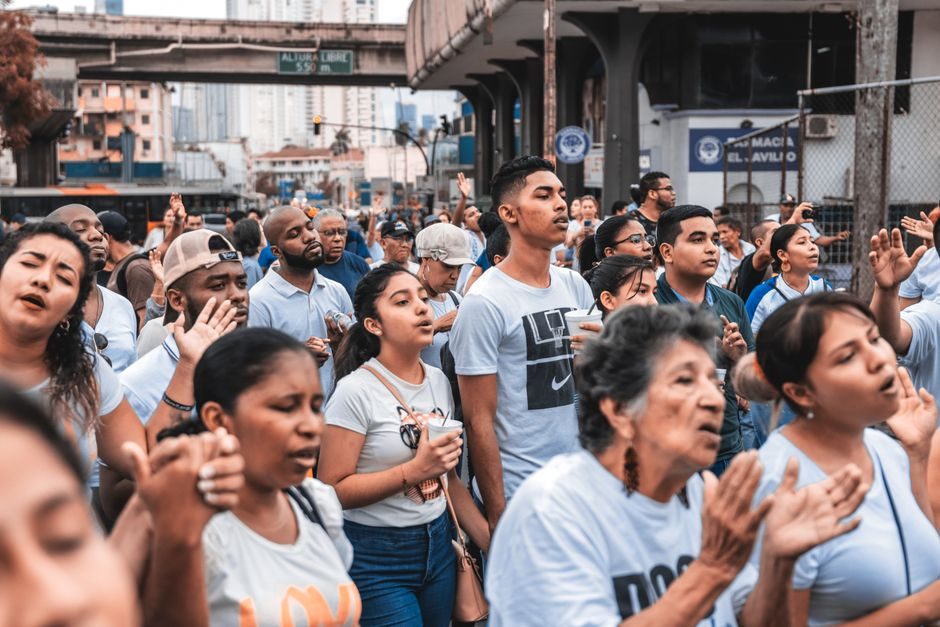
Different channels to use
Events can reach readers through multiple channels beyond the main calendar. Journalists may reference the event in a news brief if it has local impact or ties to a bigger story. Sharing on social feeds from the newsroom can extend visibility for community events with broad appeal.
Consider partnering with local venues or community groups that run regular listings; cross-promotion helps reach people who don’t check calendars every day. Booking systems or ticketing pages can provide timely updates if details change.
Keep track of reader feedback and comments on the listing to gauge interest and improve future submissions. Feedback may highlight gaps in information or timing that you can address next time.
Local privacy and rules
Respecting readers and rules
Publishers must respect privacy laws and consent when listing events, especially for private groups or ticketed experiences. Avoid sharing personal contact details beyond what is publicly available and necessary for the event. Clear data handling statements reassure readers that their information is treated responsibly.
Newsrooms should also follow local advertising and events guidelines, avoiding ambiguous claims and ensuring attendee safety information is up to date. If an event involves minors or sensitive topics, check applicable safeguards and permissions before listing.
Always provide a way for readers to report problems with a listing, and respond promptly to any concerns about privacy or misrepresentation. This helps maintain trust between the newsroom and the community.
Final checks for listings

Before you publish
Do a final pass to confirm venue spelling, address accuracy, and the event’s time zone. A small mismatch can mislead readers and waste their time. Verifying these details reduces back-and-forth and helps readers plan accurately.
- Verify venue and date accuracy
- Test all links and contacts
- Ensure images load correctly
- Confirm listing category and tags
Attach any images or logos the listing should display, ensuring they meet size and format requirements. Visuals improve engagement and can help convey key details at a glance.
Double-check ticketing or registration links if applicable, and test them to ensure they work. A broken link frustrates readers and reduces trust in the listing.
- Check venue address on a map
- Confirm time zone is correct
- Test registration link
- Ensure image meets guidelines
Frequently asked questions
How long does it take for a submission to be published?The time varies with workload and the completeness of information. If all essential details are provided, publication follows after a standard verification process that confirms venue, time, and basic event data.
Can I edit a listing after it goes live?Yes. Use the edit option where available or contact the newsroom with revised details. Updates help keep readers informed and prevent confusion.
What if the event changes after listing?Notify readers promptly with a clear update. Revisions should include new times, venues or ticketing information and an updated contact for reader questions.
Is there a limit on the number of events I can list?There is no fixed limit here, but listings should remain relevant to readers and avoid duplications. Each entry should have unique titles and sufficient detail.
A well-managed event listing benefits readers by providing accurate, easy-to-use information. Clear venue details, times and accessibility notes reduce confusion and save readers time when planning their day.
Next, use the final checks to ensure every listing is ready for publication and reflects any last-minute changes. This habit supports reliable local coverage and helps sustain trust with readers.

Add London News as a preferred source on Google


